


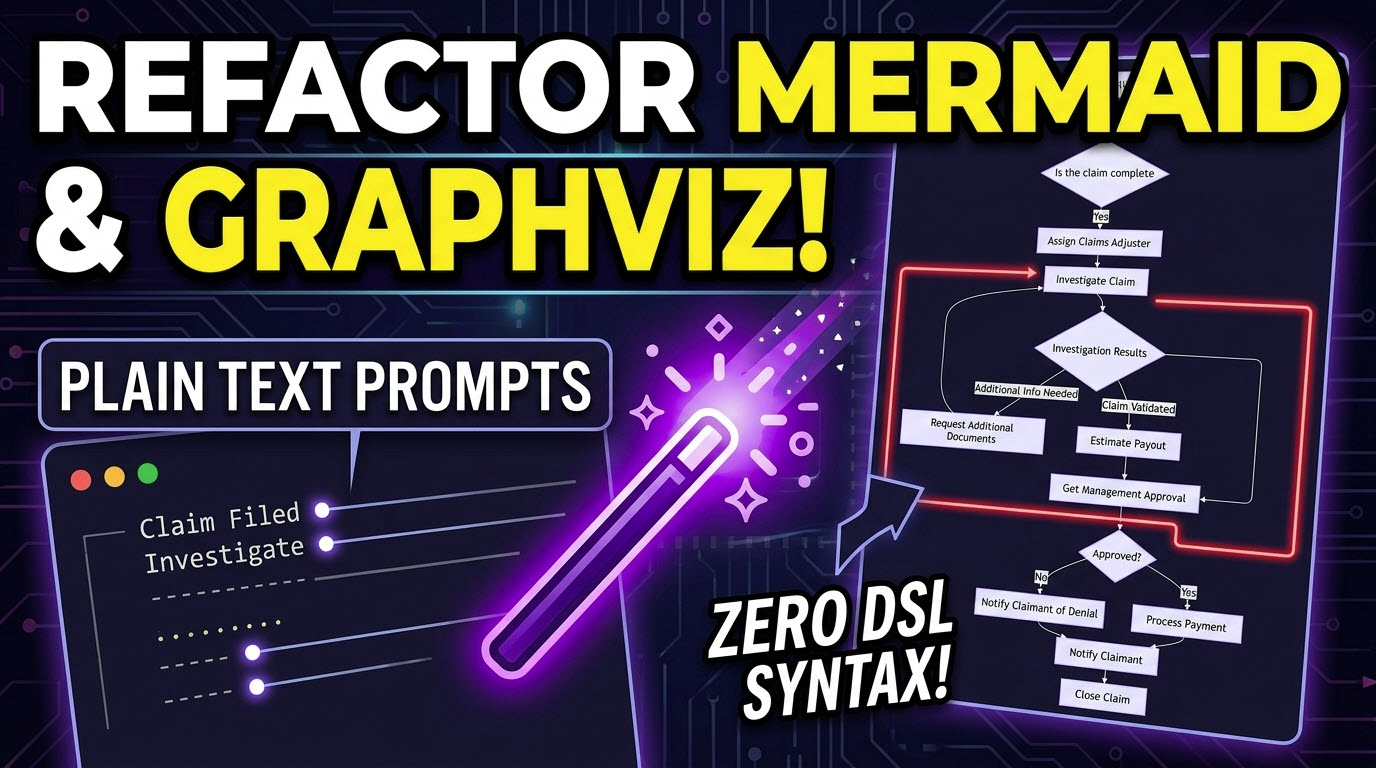
The “Diagram-as-Code” movement has revolutionized how developers and technical teams manage visualization, integrating it directly into version-controlled workflows. Popular Domain-Specific Languages (DSLs) like Mermaid and Graphviz allow users to define complex flowcharts, sequence diagrams, and graph structures using text. However, as systems evolve, maintaining and refactoring these scripts can become as tedious as managing standard source code, often requiring deep dives back into DSL documentation.
Visual Paradigm’s VPasCode bridges this productivity gap by introducing conversational artificial intelligence directly into the diagramming editor. As a comprehensive AI diagram-as-code tool, it enables engineers to maintain their diagrams with the same agility they apply to their software applications: through plain text refactoring instructions.
Moving Beyond Manual DSL Script Maintenance
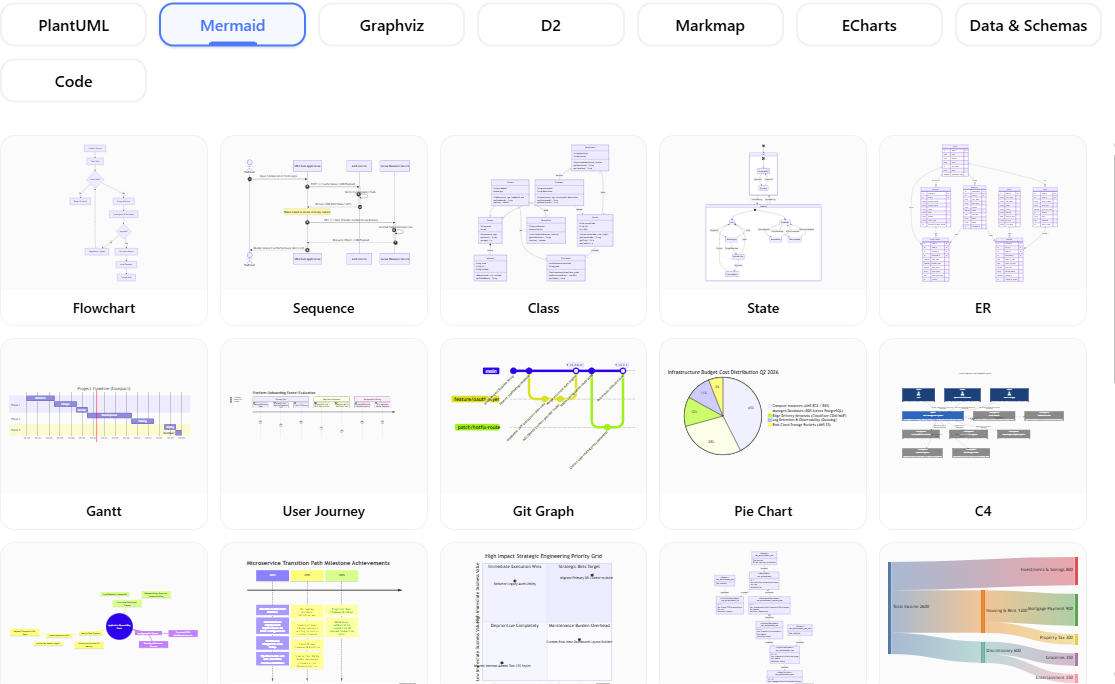
Typically, when a flow changes or a system component needs restructuring, a developer must manually locate the corresponding lines in the Mermaid flowchart or Graphviz DOT script and apply complex syntax updates. This friction often results in documentation lagging behind actual implementation.
VPasCode changes this dynamic. In addition to acting as an initial AI Mermaid generator, the platform specializes in interactive modification. If an existing complex process flow requires a new branch, a team member can simply instruct the tool to *”add a failure fallback route to the payment processing step”* using natural language.
The steps below shows you how to generate a Mermaid flowchart with Visual Paradigm VPasCode.
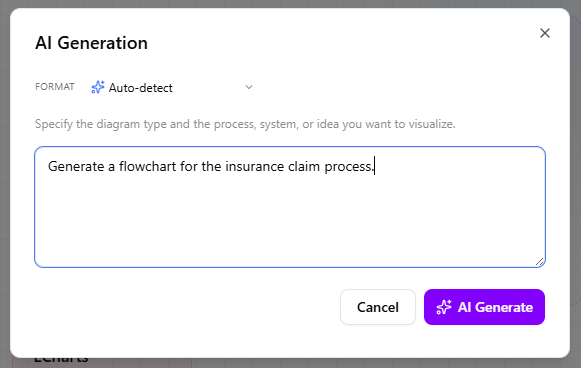
- Click on AI Generate on the top bar.

- Enter your problem context and the request to generate a flowchart. You may select Mermaid/Flowchart as Format as well but this is optional. As long as you have mentioned the diagram type, AI knows it. When ready, click AI Generate.
- The screenshot below shows a Mermaid flowchart generated by AI.
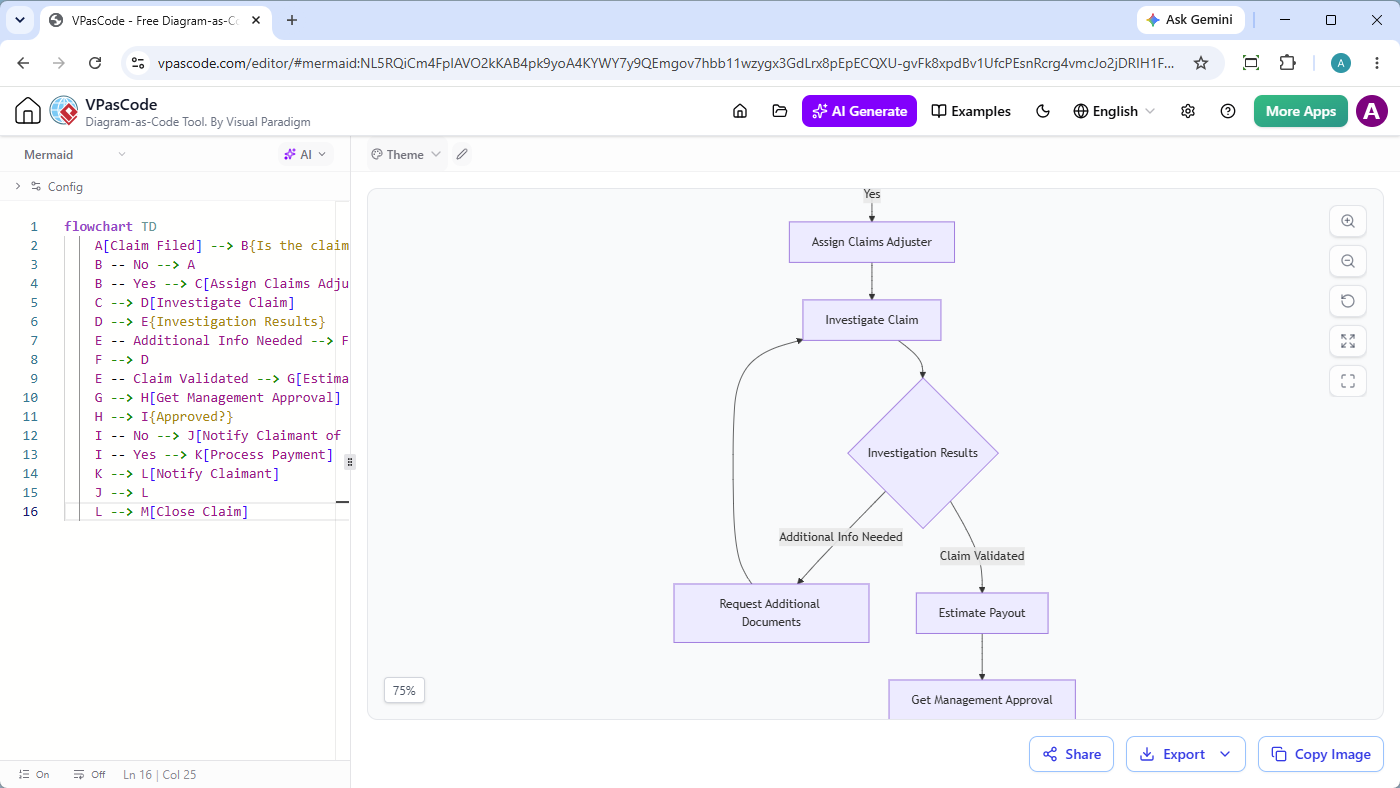 Mermaid Edit Mermaid in VPasCode
flowchart TD A[Claim Filed] --> B{Is the claim complete?} B -- No --> A B -- Yes --> C[Assign Claims Adjuster] C --> D[Investigate Claim] D --> E{Investigation Results} E -- Additional Info Needed --> F[Request Additional Documents] F --> D E -- Claim Validated --> G[Estimate Payout] G --> H[Get Management Approval] H --> I{Approved?} I -- No --> J[Notify Claimant of Denial] I -- Yes --> K[Process Payment] K --> L[Notify Claimant] J --> L L --> M[Close Claim]</code?
How to Refactor Diagrams with plain text AI Prompts
The process of modernizing and expanding existing visual scripts within VPasCode is straightforward and integrated directly into the editing canvas.
- Select the AI Tool: Within the left panel code editor, click the AI button and select the Modify operation.
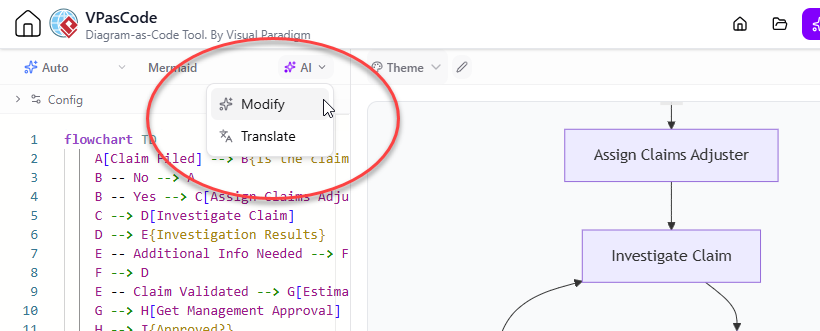
- Provide Instructions: Type the refactoring instruction in plain English. For instance, a user working with a Graphviz cluster could input: “Add a fraud review step before estimating the payout when the investigation identifies suspicious activity.”.
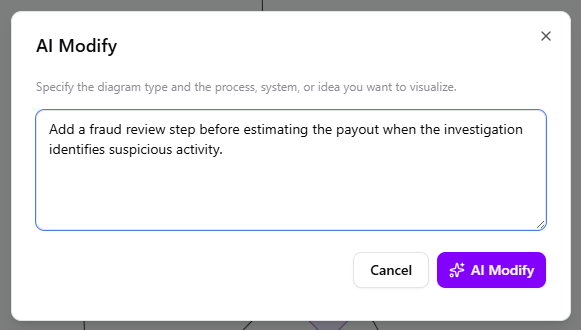
- Execute Modification: Click AI Modify. VPasCode instantly rewrites the underlying script and updates the live render, acting as a conversational AI code modification tool for DSLs.
Ensuring Data Accuracy with Visual Code Diffing
Technical documentation must be precise. To ensure AI-generated refactoring aligns perfectly with the intended architecture, VPasCode includes a granular “View Details” option after any modification.
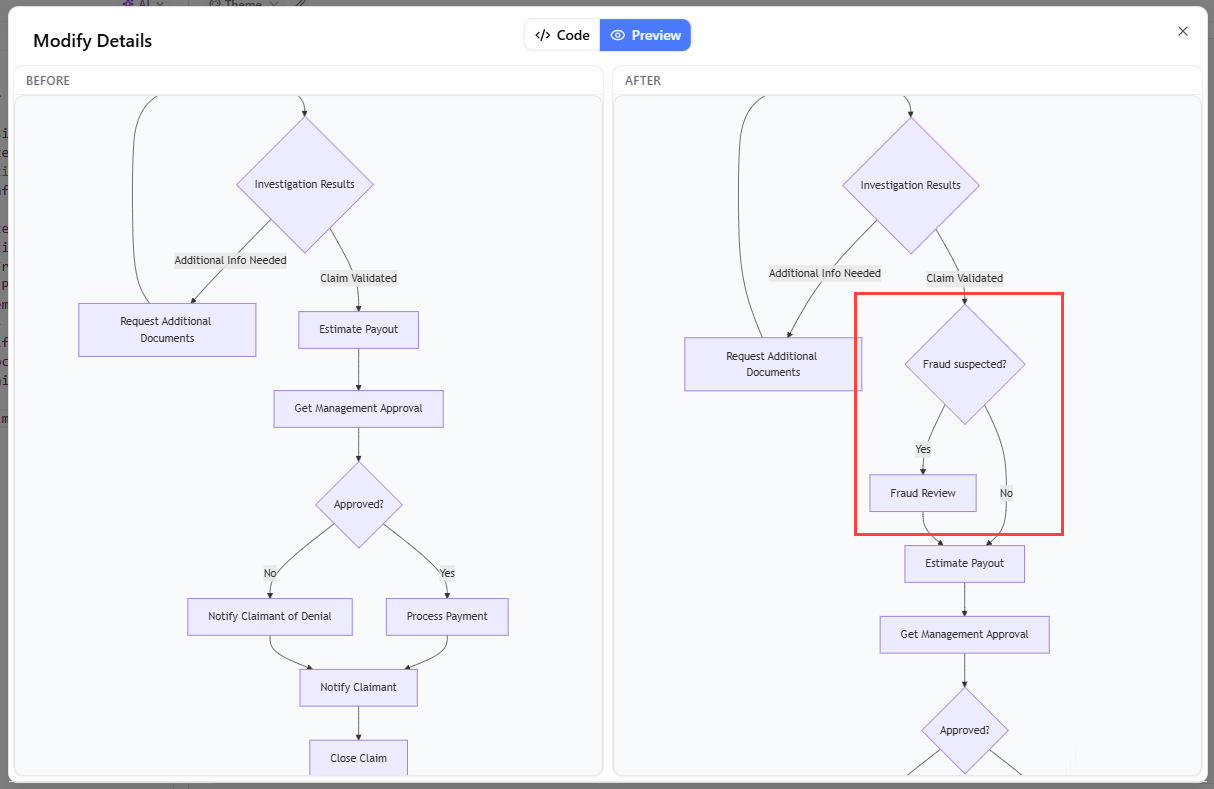
Clicking this launches a dedicated inspection window, providing a side-by-side code diff. Developers can review the exact text changes (additions and deletions) on the left pane while comparing the original diagram against the updated model on the right pane. This transparency ensures that technical governance is maintained, making AI an accelerator rather than a black box.
The Impact of Conversational AI on Diagram Workflows
- Zero Learning Curve for DSL Syntax: New team members can edit existing Mermaid or Graphviz visuals without mastering the syntax first, utilizing VPasCode as an AI diagram editor.
- Rapid Iteration: Documentation can be updated as quickly as requirements change during sprint reviews.
- Automatic Detection and Fixing: If manual edits introduce errors, the platform’s AI error fixing tool automatically repairs the script while explaining the correction.
For technical teams already managing visuals with code, adding natural language interaction maximizes efficiency and maintainability. You can experience this AI-enhanced workflow immediately at the VPasCode Diagram-as-Code Editor.
Related posts:
 From Chaos to Clarity: How the Visual Paradigm Pipeline Revolutionized My Documentation Workflow
From Text to Visuals: A Hands-On Review of VPasCode and the Visual Paradigm AI Chatbot
A Hands-On Review of Visual Paradigm’s Automated Documentation Pipeline
Beyond Boundaries: How the Visual Paradigm Unified Platform and AI Empower Agile Teams
From Chaos to Clarity: How the Visual Paradigm Pipeline Revolutionized My Documentation Workflow
From Text to Visuals: A Hands-On Review of VPasCode and the Visual Paradigm AI Chatbot
A Hands-On Review of Visual Paradigm’s Automated Documentation Pipeline
Beyond Boundaries: How the Visual Paradigm Unified Platform and AI Empower Agile Teams