
Visual Paradigm Deployment Strategies: Desktop, Online, or the Connected Hybrid?
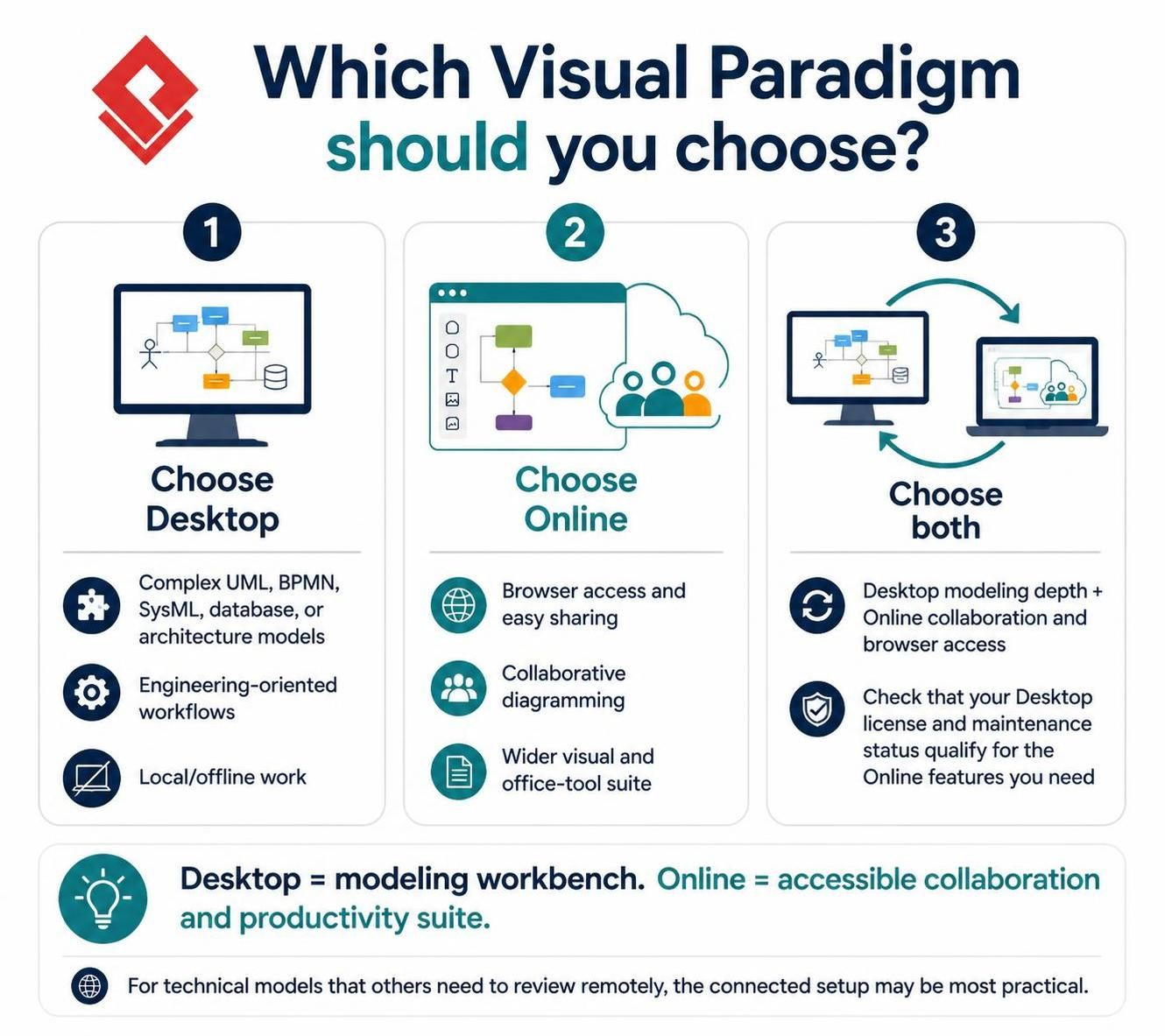
When architects and engineers begin modeling complex systems, the choice of environment is just as critical as the modeling language itself. Visual Paradigm offers a robust ecosystem that caters to different workflow needs, ranging from deep, offline engineering work to agile, browser-based collaboration. Understanding the architectural strengths of the Desktop versus the Online platform is essential for selecting the right tool for your specific project requirements.
1. The Desktop Workbench: Engineering Depth
The Desktop version of Visual Paradigm is architected as a high-performance modeling workbench. It is designed for scenarios where computational power and deep integration with local resources are paramount. This environment excels in handling “heavy” modeling tasks that require extensive processing power or strict data isolation.
Key use cases for the Desktop environment include:
- Complex Modeling Languages: It provides the necessary depth for intricate diagrams such as UML (Unified Modeling Language), BPMN (Business Process Model and Notation), SysML (Systems Modeling Language), and database architecture schemas.
- Engineering-Oriented Workflows: For professionals requiring strict adherence to engineering standards or complex code generation pipelines, the Desktop offers granular control over project settings and local workflows.
- Local/Offline Operations: It is the optimal choice for secure environments where internet access is restricted, or for projects requiring strict data sovereignty without cloud dependencies.
2. The Online Suite: Accessibility and Collaboration
In contrast, the Online version is built around the concept of the “productivity suite.” Its architecture prioritizes accessibility, allowing users to access their diagrams from any device with a web browser. This makes it the superior choice for teams that need to move quickly and share visual assets without the friction of file transfers.
The Online platform is best suited for:
- Browser Access: Eliminates installation barriers, allowing stakeholders to view or edit models immediately via a URL.
- Easy Sharing: Simplifies the distribution of diagrams to clients or team members who do not have a Visual Paradigm license installed.
- Collaborative Diagramming: Enables real-time or near-real-time interaction among multiple users, fostering a more agile design process.
- Integrated Office Tools: It offers a wider suite of visual and office tools, acting as a central hub for various productivity documents beyond just technical diagrams.
3. The Connected Setup: A Hybrid Approach
For many modern organizations, the answer is not an “either/or” decision, but rather a combination of both. The “Choose Both” strategy leverages the strengths of the Desktop modeling depth while utilizing the Online platform for collaboration and remote access.
This connected architecture allows a lead engineer to perform deep architectural work on their local machine, while simultaneously pushing updates to the cloud for team review. However, this setup requires careful license management.
License and Maintenance Considerations
To utilize the connected features effectively, you must verify that your Desktop license and maintenance status qualify for the specific Online features you require. The ecosystem is designed to be interconnected, but specific permissions are often tied to active maintenance contracts.
Summary: Selecting Your Architecture
To summarize the architectural decision:
- Choose Desktop if you are building complex UML, BPMN, SysML, or database models and need engineering-oriented workflows.
- Choose Online if your priority is browser access, easy sharing, collaborative diagramming, or a wider suite of visual tools.
- Choose Both if you need the modeling depth of the Desktop combined with the collaboration capabilities of the Online platform.
Ultimately, the Desktop is the better modeling workbench, while the Online is the better accessible collaboration and productivity suite. By understanding these distinct roles, you can optimize your technical workflow for maximum efficiency.