
Mastering the Visual Paradigm Onboarding Journey: From Trial to Enterprise Readiness
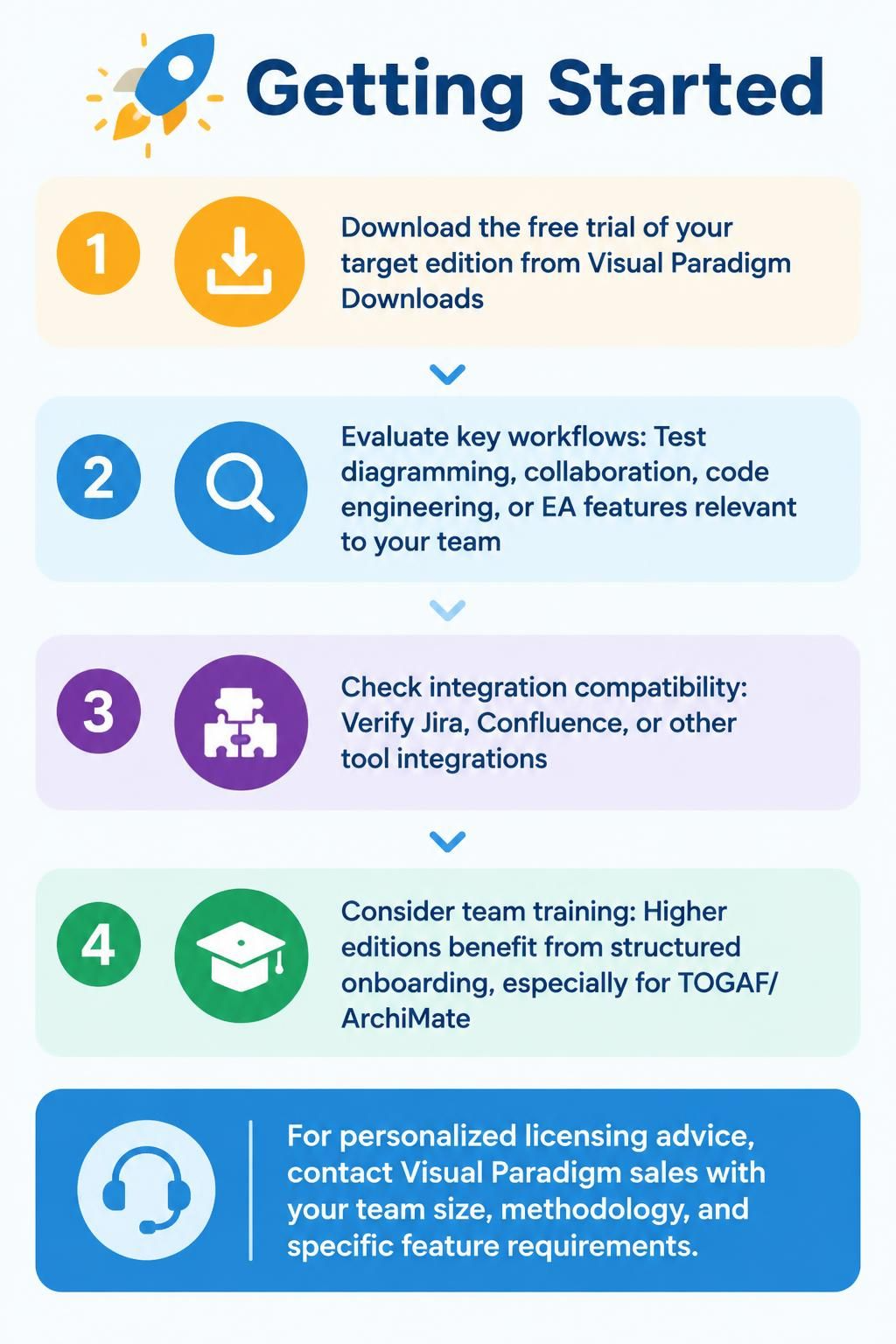
Embarking on a journey with enterprise modeling tools requires more than just a download; it demands a strategic approach to ensure the software aligns with your organization’s specific architectural standards. Visual Paradigm offers a comprehensive ecosystem, but navigating the transition from a free trial to a fully integrated enterprise solution can be complex. This tutorial guides you through the essential onboarding workflow, transforming a simple software installation into a robust capability for your team.
Phase 1: The Strategic Foundation
The first step in any successful modeling initiative is securing the right environment. Before attempting to build complex diagrams or integrate with external systems, you must establish a baseline.
Begin by downloading the free trial of the edition that best fits your anticipated needs. While it is tempting to jump straight into the most feature-rich version, it is often more prudent to identify the specific workflow bottlenecks you wish to solve. Whether your focus is on rapid diagramming, collaborative code engineering, or deep Enterprise Architecture (EA) analysis, the trial allows you to validate the tool’s fit without financial commitment.
Phase 2: Evaluating Core Workflows
Once the software is installed, the evaluation phase is critical. This is not merely a “click-and-walk” exercise; it is a rigorous test of the software’s ability to support your team’s daily operations.
- Diagramming Capabilities: Test the responsiveness of the canvas and the ease of use of the shape libraries. Can you quickly switch between UML, BPMN, or SysML representations?
- Collaboration Features: If your team works remotely, test the real-time synchronization and version control features to ensure smooth teamwork.
- Code Engineering: For development teams, validate the round-trip engineering capabilities. Can the tool automatically generate code from your models and vice versa?
- Enterprise Architecture (EA): For strategic planning, explore the higher-level features that support business capability mapping and value stream analysis.
Phase 3: Integration and Compatibility
Modern software rarely exists in a vacuum. A modeling tool is only as powerful as its ability to communicate with the rest of your technology stack. During the trial, you must verify the integration compatibility with your existing tools.
Visual Paradigm supports a wide array of integrations, most notably with project management and documentation platforms. Ensure you successfully connect the tool with Jira for issue tracking or Confluence for documentation management. These connections are vital for maintaining a single source of truth across your organization.
Phase 4: The Human Element and Training
The most sophisticated tool will fail if the team lacks the knowledge to utilize it effectively. This is particularly true for higher editions of Visual Paradigm which support complex methodologies like TOGAF and ArchiMate.
These frameworks introduce specific notations and architectural layers that differ from standard UML modeling. Consider the necessity of structured onboarding and team training. Without formal guidance, teams often misinterpret architectural patterns, leading to models that are difficult to maintain or understand by stakeholders.
Conclusion: Scaling for Success
Once you have navigated the trial, evaluated the workflows, and confirmed your integrations, you are ready to make a purchasing decision. For teams requiring a tailored approach, personalized licensing advice is essential. When contacting sales, be prepared to provide your team size, the specific methodologies you employ, and your unique feature requirements.
By following this structured path, you ensure that your investment in Visual Paradigm translates into tangible efficiency and clarity for your entire organization.