


Selecting the right online flipbook maker is crucial for creating engaging digital publications. Visual Paradigm’s Flipbook Maker stands out as a strong choice due to its comprehensive features and benefits. Here’s a detailed guide to help you evaluate and choose the perfect flipbook maker based on Visual Paradigm’s offerings:
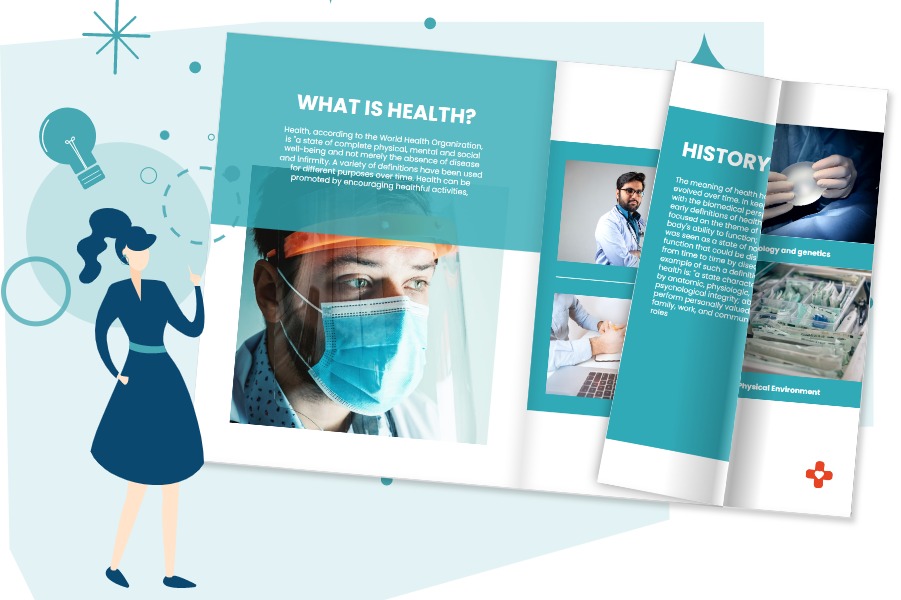
1. Realistic Page-Flip Effect
Why: Visual Paradigm offers a lifelike page-flip effect, enhancing the reading experience and making it more engaging compared to other tools.
How: Create a flipbook using Visual Paradigm and compare the page-flip effect with other tools. The realistic experience should be immediately noticeable.
2. Customization and Creativity
Why: The ability to design publications from scratch and customize templates, themes, and interactive elements allows for unique and engaging content creation.
How: Experiment with Visual Paradigm’s customization options and templates. Compare the level of creativity and flexibility with other tools you’re considering.
3. Interactive Elements
Why: Adding interactive elements like clickable links and multimedia content is essential for engaging your audience effectively.
How: Test the ease of adding interactive elements in Visual Paradigm’s Flipbook Maker compared to other tools. Evaluate the interactivity and user experience.
4. Diverse Book Templates
Why: Access to a variety of book templates ensures you can find the perfect design for your specific project.
How: Explore Visual Paradigm’s library of templates and compare the options and customization capabilities to those of competing tools.
5. Page Transitions
Why: Dynamic page transitions make your publications more engaging and memorable.
How: Experiment with Visual Paradigm’s range of page transitions, customizing their speed and direction, and compare them to transitions in other tools.
6. Accessible Design Assets
Why: A rich library of design assets simplifies content creation and sets Visual Paradigm apart.
How: Assess the variety and quality of design assets in Visual Paradigm’s library and compare them to the offerings of other tools.
7. User-Friendly Interface
Why: An intuitive interface makes the tool accessible to users of all skill levels.
How: Evaluate Visual Paradigm’s interface for ease of use and compare it to the user-friendliness of competing tools.
8. Secure Content Protection
Why: Content protection features like password protection and selective sharing via email invitations ensure your work remains secure.
How: Test the content protection mechanisms in Visual Paradigm and compare them to security features in other tools.
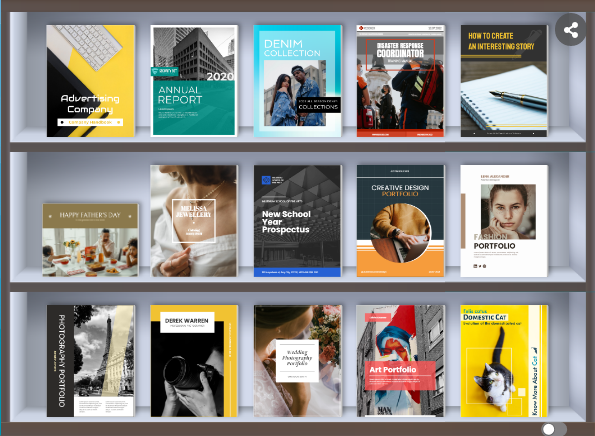
9. Online Bookshelf
Why: The online bookshelf feature enhances the presentation of your publications.
How: Use Visual Paradigm’s bookshelf feature to organize and showcase your flipbooks. Compare this to the bookshelf functionality of other tools.
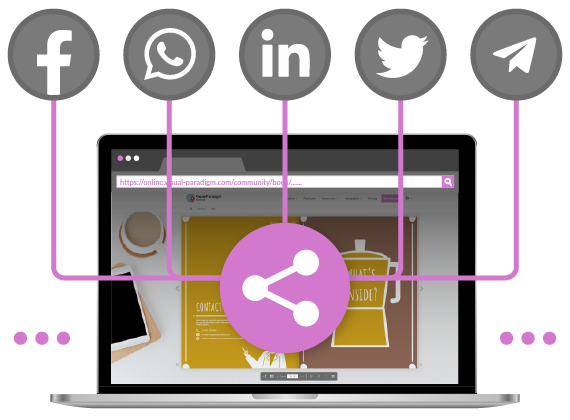
10. Seamless Publishing and Sharing
Why: Easy sharing via URL links, social media, and email invitations simplifies the distribution of your content.
How: Evaluate the publishing and sharing process in Visual Paradigm’s Flipbook Maker for convenience and compare it to other tools.
11. Responsive Design
Why: Ensuring that your publications are responsive and optimized for various devices is essential.
How: Test the responsiveness of flipbooks created with Visual Paradigm on different devices and compare the results to other tools.
12. Free Version
Why: Visual Paradigm offers a free version, allowing you to explore its features risk-free before committing to a paid plan.
How: Start by using the free version to familiarize yourself with the tool’s capabilities and determine if it meets your requirements.
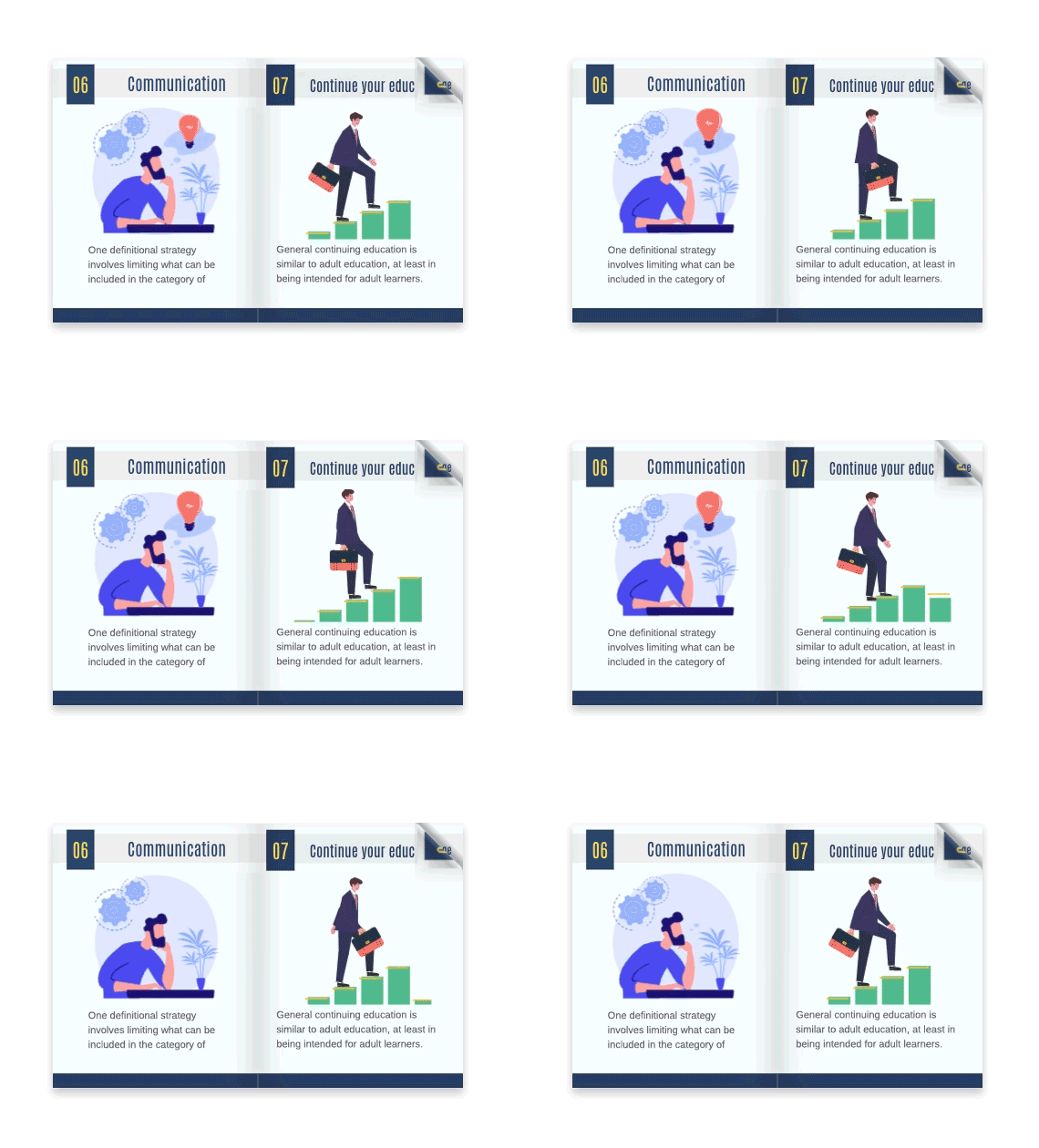
13. Animation Capabilities
Why: Visual Paradigm’s Flipbook Maker allows you to add dynamic animations to your flipbooks, making your content more engaging and interactive.
How: Experiment with the animation features in Visual Paradigm to create lively and attention-grabbing animations. Compare the ease of adding animations and the variety of animation options to those offered by competing tools.
By following this evaluation guide, you can assess how Visual Paradigm’s Online Flipbook Maker compares to other tools in terms of realism, customization, interactivity, ease of use, and a wide range of features. Ultimately, the choice should align with your specific needs and preferences, ensuring that you can create outstanding digital publications that captivate your audience.