
Software architecture is the backbone of any maintainable system. When complexity grows, the ability to visualize structure becomes critical. The package diagram serves as a high-level map, illustrating how modules relate to one another. Without a clear map, development teams risk navigating through spaghetti code, where dependencies become tangled and changes cause unintended side effects. This guide outlines a rigorous process for constructing and maintaining package diagrams that support long-term stability.
A well-structured diagram does more than just document code; it enforces boundaries and clarifies responsibility. It acts as a contract between teams, ensuring that changes in one area do not break the assumptions of another. The following steps provide a framework for designing these diagrams with precision and clarity.
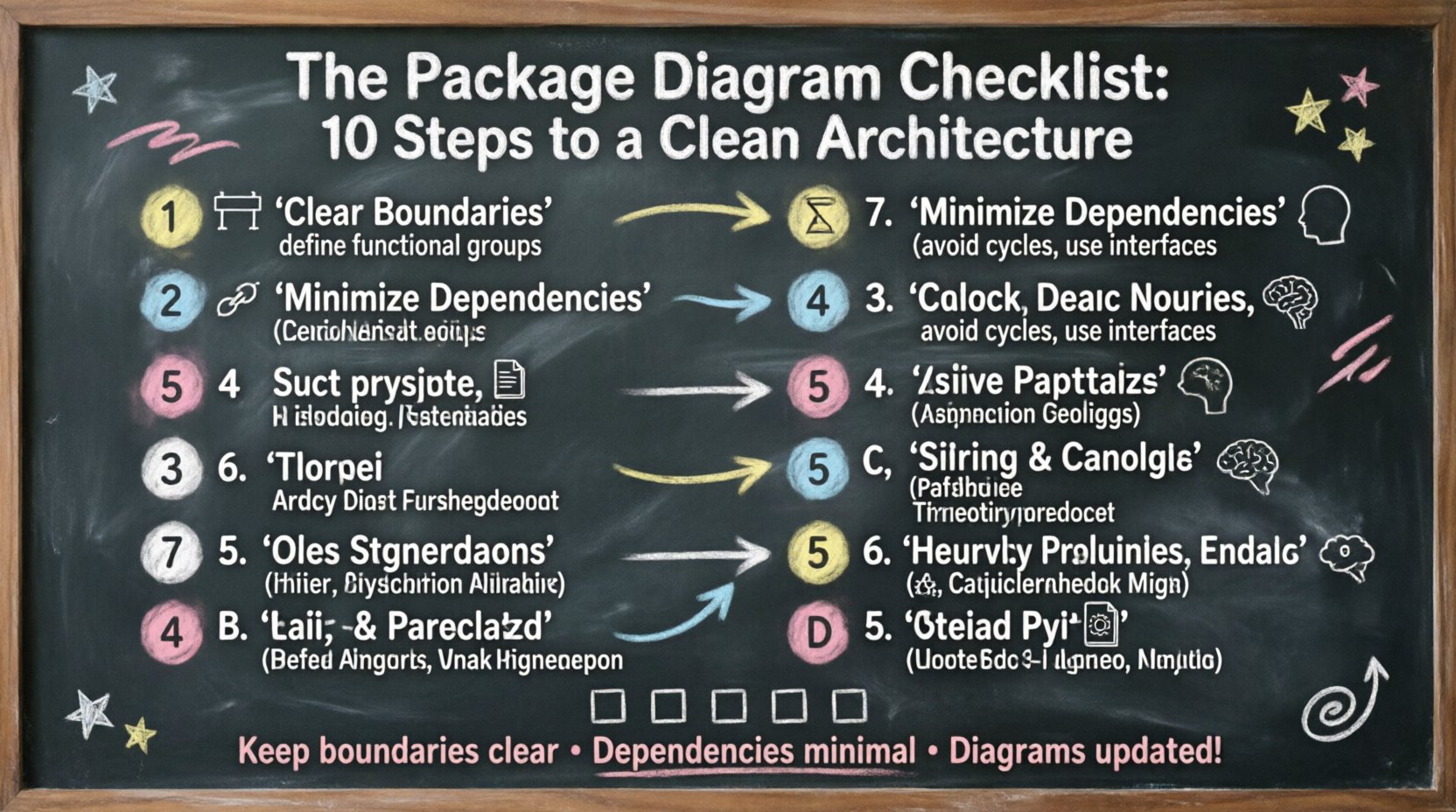
1. Establish Clear Boundaries 🚧
The first step in creating a robust package diagram is defining where one component ends and another begins. Boundaries are not arbitrary; they must reflect logical divisions in the system. A common mistake is creating packages based on file types or directory structures rather than functional roles.
- Identify Functional Groups: Look for cohesive sets of features. For example, a “User Management” package should contain all logic related to authentication, profiles, and permissions.
- Avoid Overlapping Concerns: Ensure that a single package does not handle unrelated tasks. If a package handles both data storage and user interface rendering, it violates separation of concerns.
- Define Entry Points: Clearly mark which packages are exposed to the outside world. Internal packages should remain hidden unless there is a specific need for interaction.
By defining these limits early, you create a stable foundation. Developers can then work within their assigned areas without worrying about external interference.
2. Minimize Dependencies 🔗
Dependencies are the connections between packages. While some are necessary, excessive coupling creates fragility. Every dependency represents a potential point of failure or a requirement for change propagation.
- Reduce Coupling: Aim for packages to depend on interfaces rather than concrete implementations. This allows swapping internal logic without breaking the external contract.
- Avoid Cyclic Dependencies: A cycle occurs when Package A depends on Package B, and Package B depends on Package A. This creates a deadlock in compilation and understanding. Break cycles by introducing an intermediary package or an interface layer.
- Limit Upward Dependencies: Lower-level packages should not depend on higher-level ones. This ensures that core logic remains stable even if higher-level features change.
Minimizing dependencies simplifies testing and deployment. It reduces the blast radius of bugs and makes the system easier to reason about.
3. Align with Business Logic 🧠
Technical structure should mirror business requirements. If the architecture diverges significantly from how the business operates, the system becomes a barrier rather than an enabler.
- Map Domains: Organize packages around business domains. If the business has distinct areas like “Sales,” “Inventory,” and “Billing,” the architecture should reflect these distinctions.
- Use Domain Language: Package names should use terminology familiar to stakeholders. Avoid technical jargon that obscures the business purpose.
- Reflect Evolution: As business needs change, the package structure should be able to adapt without a complete rewrite.
When the technical map aligns with the business map, communication between developers and stakeholders becomes more efficient.
4. Enforce Layering 🏛️
Layering is a classic architectural pattern that organizes code by abstraction level. It separates the concerns of data access, business logic, and presentation.
- Define Layers: Common layers include Presentation, Application, Domain, and Infrastructure. Each layer has a specific responsibility.
- Restrict Cross-Layer Access: A presentation package should not directly access the database package. All requests must flow through the application and domain layers.
- Document the Flow: The diagram should visually represent the direction of data flow. Arrows should generally point from high-level layers to low-level layers.
Enforcing layering prevents the “leaky abstraction” problem where low-level details pollute high-level logic. It creates a predictable path for execution.
5. Handle Cross-Cutting Concerns ⚙️
Cross-cutting concerns are features that affect multiple parts of the system, such as logging, security, or transaction management. If scattered across packages, they create noise and duplication.
- Centralize Concerns: Create a dedicated package for shared utilities. This keeps the core logic clean and focused.
- Abstract Interfaces: Define standard interfaces for these concerns so that implementation details remain hidden.
- Review Usage: Regularly audit which packages use these utilities. If a package is creating its own logging mechanism, it should be redirected to the central package.
Centralizing cross-cutting concerns reduces maintenance overhead and ensures consistency across the entire system.
6. Manage Versioning and Stability 🔄
Software is not static. Packages will evolve, and some will be more stable than others. The diagram should reflect the maturity of each component.
- Identify Stable Core: Mark packages that are unlikely to change frequently. These serve as the anchor for the architecture.
- Mark Experimental Areas: Distinguish between mature code and experimental features. This helps teams understand the risk associated with changes.
- Plan Deprecation: Have a strategy for retiring old packages. The diagram should show the path from legacy to new implementation.
Understanding stability allows teams to prioritize refactoring efforts and manage technical debt effectively.
7. Document Relationships Explicitly 📝
A package diagram is a communication tool. If the relationships are ambiguous, the value of the diagram diminishes. Every line and arrow must have a purpose.
- Specify Dependency Types: Distinguish between “uses,” “inherits from,” and “implements.” Not all connections are equal.
- Label Connections: Add labels to arrows to explain the nature of the interaction. For example, “provides data” vs. “receives commands”.
- Include Context: If a dependency is optional or conditional, document this in the diagram notes.
Explicit documentation prevents assumptions. New team members can understand the system without needing to read the source code.
8. Review for Cohesion 🧩
Cohesion measures how closely related the responsibilities of a package are. High cohesion means a package does one thing well. Low cohesion means it is a “god package” doing everything.
- Check Responsibility: Ask if every class within a package contributes to the package’s primary goal.
- Split Large Packages: If a package grows too large, consider splitting it into sub-packages. This improves navigation and focus.
- Remove Orphans: Identify classes that do not belong to any logical group. They should be moved or removed.
High cohesion leads to easier testing and debugging. When a package is focused, its behavior is predictable.
9. Plan for Evolution 🚀
Architecture is not a destination; it is a journey. The package diagram must be flexible enough to accommodate future requirements without requiring a total rewrite.
- Design for Extension: Use patterns that allow new functionality to be added without modifying existing code.
- Anticipate Scale: Consider how the packages will handle increased load. Will they need to be distributed or replicated?
- Modular Design: Ensure packages can function as independent modules if the system architecture shifts in the future.
Planning for evolution prevents the system from becoming rigid. It allows the organization to pivot when market conditions change.
10. Validate with Code ✅
A diagram that does not match the code is misleading. The final step is to ensure the visual representation aligns with the implementation.
- Automate Checks: Use tools to verify that the actual dependencies match the planned architecture.
- Code Review: Include architectural compliance in the code review process. Reject changes that violate the package boundaries.
- Update Regularly: Treat the diagram as living documentation. Update it whenever a significant change is made to the codebase.
Validation ensures integrity. It bridges the gap between design intent and reality.
Summary Checklist
Use the following table to quickly assess the health of your package architecture.
| Check | Criteria | Status |
|---|---|---|
| Boundaries | Are functional groups clearly defined? | ☐ |
| Dependencies | Are cycles eliminated and coupling minimized? | ☐ |
| Business Alignment | Do packages reflect business domains? | ☐ |
| Layering | Are layers strictly separated? | ☐ |
| Cross-Cutting | Are shared concerns centralized? | ☐ |
| Stability | Is versioning and maturity documented? | ☐ |
| Documentation | Are relationships explicitly labeled? | ☐ |
| Cohesion | Are packages focused and not bloated? | ☐ |
| Evolution | Is the design flexible for future needs? | ☐ |
| Validation | Does code match the diagram? | ☐ |
Maintaining the Diagram 🛠️
Creating the diagram is only half the battle. Maintaining it requires discipline. A diagram that is ignored becomes a source of misinformation. Teams should integrate diagram reviews into their sprint planning or release cycles.
When a developer introduces a new feature, they should consider where it fits in the package structure. If a new dependency is required, it should be justified and documented. This habit prevents the gradual erosion of architectural quality.
Furthermore, regular audits help identify technical debt. If a package becomes too complex, it may need to be refactored. The diagram serves as the baseline for these decisions. It highlights areas of high risk and low stability.
Conclusion on Architecture 🏁
Clean architecture is not about following a rigid set of rules for the sake of rules. It is about creating a system that is understandable, maintainable, and adaptable. The package diagram is the primary tool for achieving this understanding. By following these ten steps, you ensure that the visual representation of your system remains accurate and useful over time.
Investing time in the structure of your packages pays dividends in reduced bug counts and faster development cycles. It allows teams to focus on solving business problems rather than untangling code. Keep the diagram updated, keep the boundaries clear, and keep the dependencies minimal.